---
title: "3. Learning Resources"
url: "https://books.playgoventure.com/4/gvpmig/39/3-learning-resources"
---
# 3. Learning Resources
## 3.1 Project Management Simulation
Product details are at
GoVenture.net/pm
Students can play the Simulation once an instructor gives them a Group number to join. Instructors can use the _Play As Student_ feature to play as a student — but you must first create a _Group_ to play.
**Accessibility for People With Disabilities**
The Simulation includes two interface options — the Default graphical interface and an Assistive interface that works with screen readers, keyboard input, and smartphones. Students choose the interface when starting a new simulation and must continue with the selected interface for the duration of that simulation.
## 3.2 Instructor Guide and Website #
This document you are reading now and an Instructor Dashboard (website) for monitoring student progress and performance.
## 3.3 User Guide
A guide for students that can be accessed from the Dashboard — User Guide
## 3.4 Demo & Tutorial Video
Video to watch before playing the Simulation — available in the User Guide
## 3.5 Book & Glossary
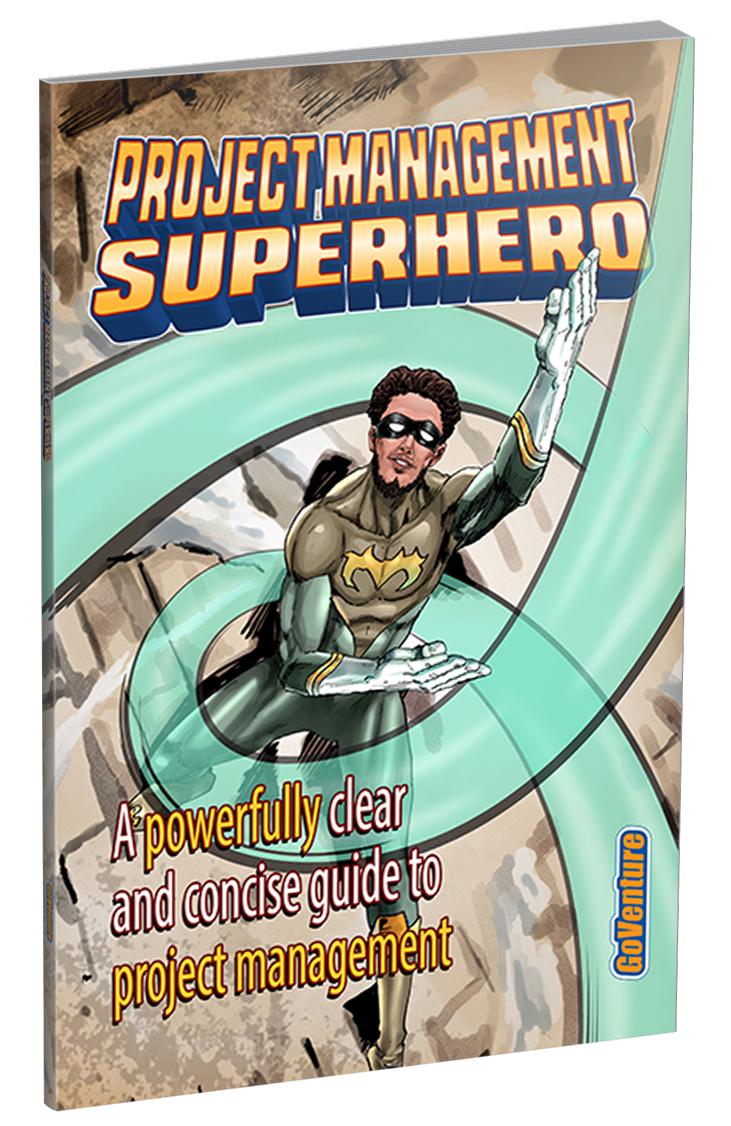
View BookYou must be logged in to view the PDF
**Project Management Superhero Book** includes the video scripts contained within the _Project Management Simulation_. And a full glossary of terms. The book can be used as a learning resource on its own or as a reference when playing the Simulation.
The book is available in the User Guide
## 3.6 Student Experience Report
**Student Experience Report**
After students complete one or more _Project Scenarios_, instructors can pose some or all of the questions below and have students reply with answers presented in a slide deck, written document, discussion forum, or video or live presentation. Be sure to include a maximum limit per answer. Example — 1000 characters or 200 words.
**Questions**
Expand this section — click the black triangle
- Identify the roles and responsibilities of a Project Manager.
- Explain why and how a Project Manager should update the Project Owner.
- If a Project Manager does not have direct experience with a project, describe how to work with subject matter experts to gather the necessary information.
- Identify the key details to obtain from a subject matter expert about a task.
- Identify the three key metrics used to evaluate a task assignee and explain why each is important.
- Explain what reputation means when evaluating an assignee.
- Explain why you may or may not have selected the highest-rated assignees.
- Explain how you determined which tasks to assign to higher-rated assignees and which tasks to assign to lower-rated assignees.
- Identify an unexpected event that delayed a task and explain what you did about it and why.
- Identify an unexpected event that caused a task to go over budget and explain what you did about it and why.
- Explain whether your project management focused more on meeting deadlines, staying within budget, or equally on both.
- Explain the benefits of using a Gantt Chart for project management.
- Explain the benefits of using a Kanban Chart for project management.
- Explain how pleased you were with your performance as a project manager and anything you learned that helped you improve your performance.
- Identify what you might do differently next time you manage a project.
- Identify which aspect of project management took up most of your time.
- Explain the aspect of project management that you found most difficult and why. Identify what could have made this easier.
- Describe what you like most and least about being a project manager.
## 3.7 How Students Can Use AI With GoVenture Simulations
View Activity