---
title: "2. Your Instructor Account"
url: "https://books.playgoventure.com/10/gvjiig/113/2-your-instructor-account"
---
# 2. Your Instructor Account
## 2.1 Instructor Account
* To unlock a GoVenture product, you need a **Subscription Key**. Then follow one of these directions —
* **If you already have a login** for PlayGoVenture.com, click the following link to unlock your product — PlayGoVenture.com/Subscription
* **To create a new account**, go to PlayGoVenture.com and follow the links to CREATE ACCOUNT.
* Log in with your username and password to review the Instructor Dashboard (website). The Subscription Key is now expired and no longer needed.
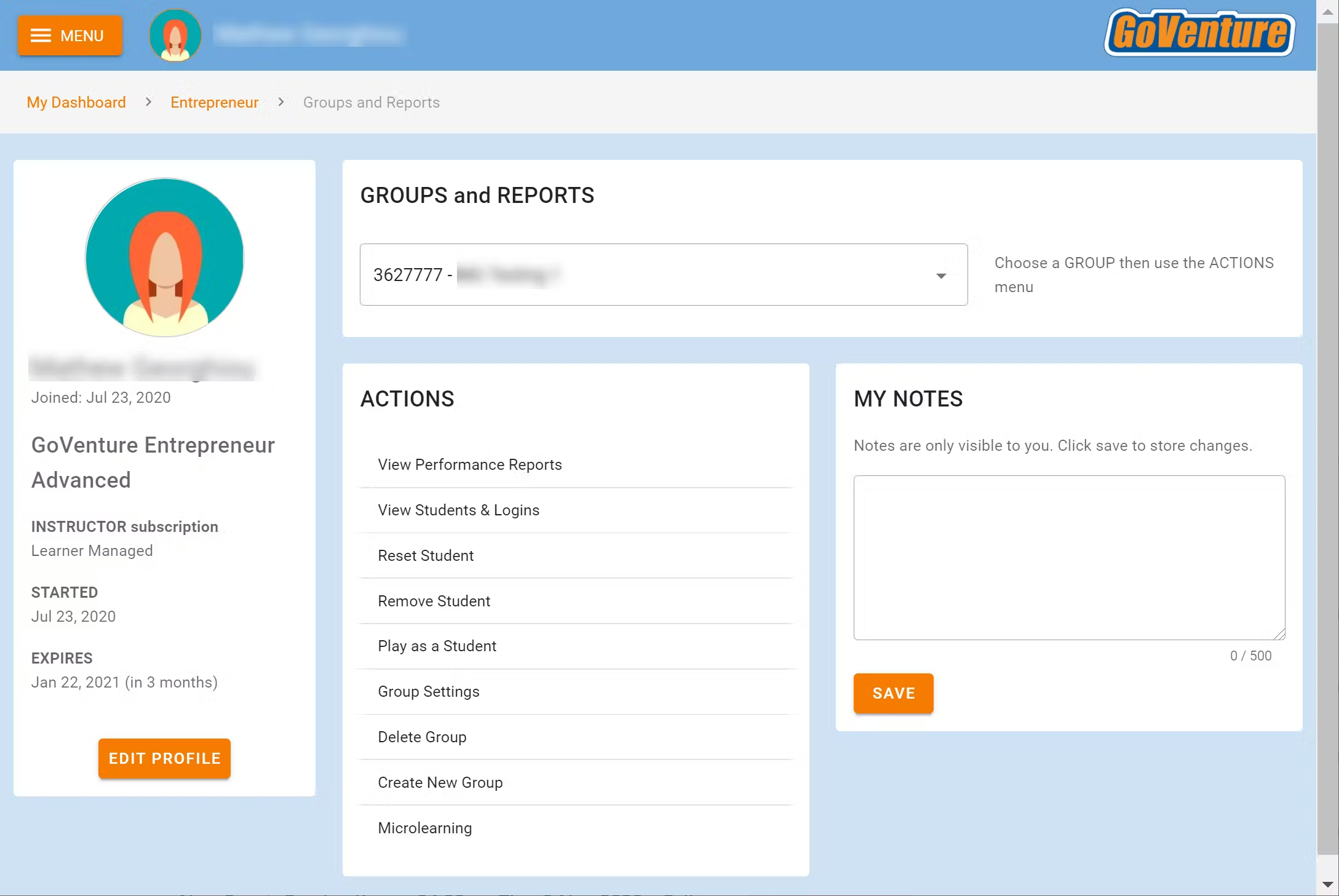
* The Instructor Dashboard allows you to create Groups, monitor student progress and performance, and play GoVenture as a student.
Screenshot of the Instructor Dashboard (website)
## 2.2 Sharing Instructor Accounts
Instructors can share access to their accounts with other instructors or colleagues.
View Sharing Options