2. Learning Resources
2.1 Sport & Entertainment Management Simulation
Product details are at GoVenture.net/sports
Students can play the Simulation once an instructor gives them a Group number to join. Instructors can use the Play As Student feature to play as a student — but you must first create a Group to play.
2.2 Instructor Guide and Website
This document you are reading now and an Instructor Dashboard (website) for monitoring student progress and performance.
2.3 User Guide
A guide for students that can be accessed from the Dashboard — User Guide
2.4 Demo & Tutorial Video
Video to watch before playing the Simulation — available in the Simulation, in the User Guide, and in this Instructor Guide section 1.
2.5 Book & Glossary
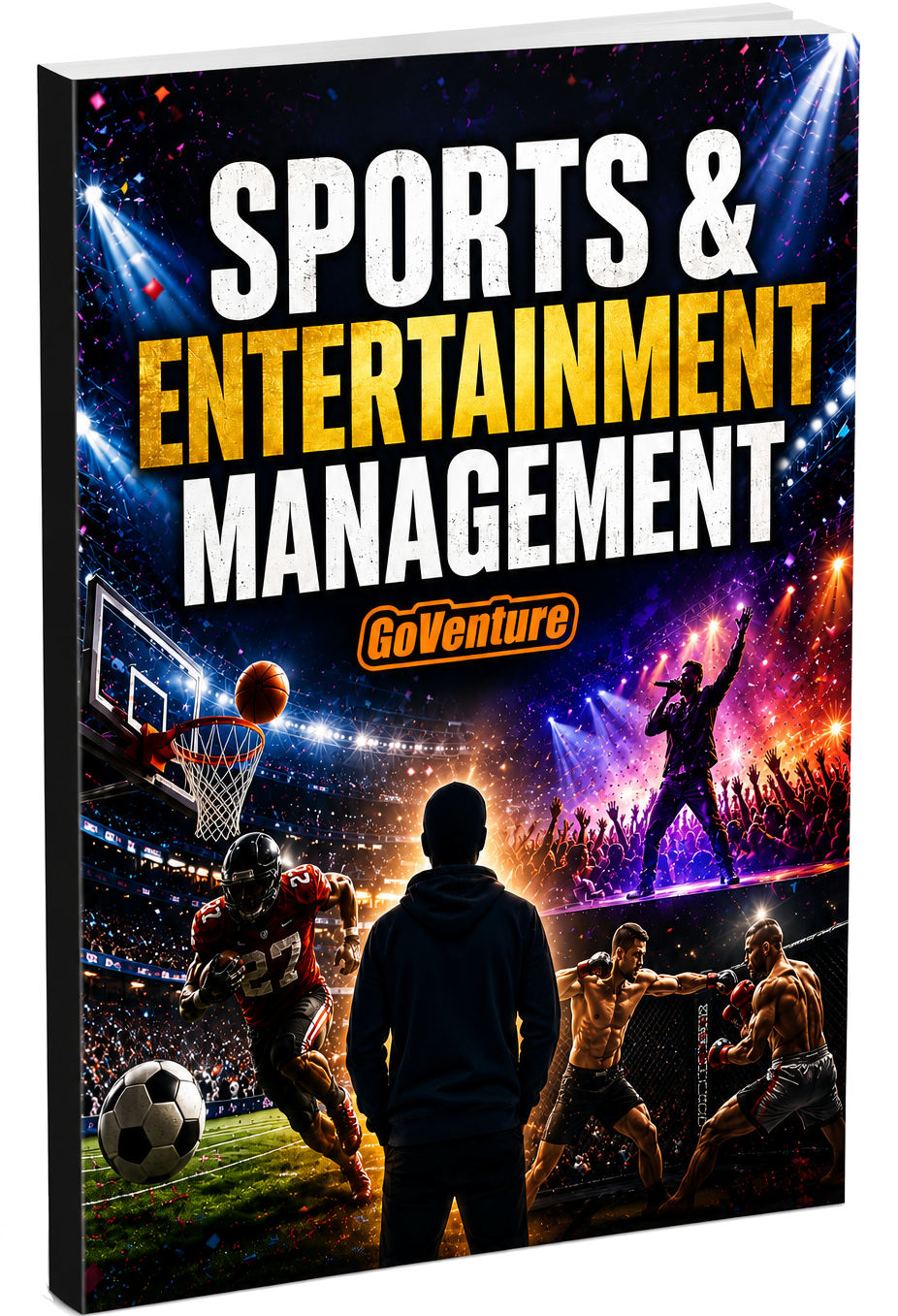
You must be logged in to view the PDF
The book can be used as a learning resource on its own or as a reference when playing the Simulation. Includes a full glossary of terms. The book is also available to students in the User Guide
2.6 Strategy Journal
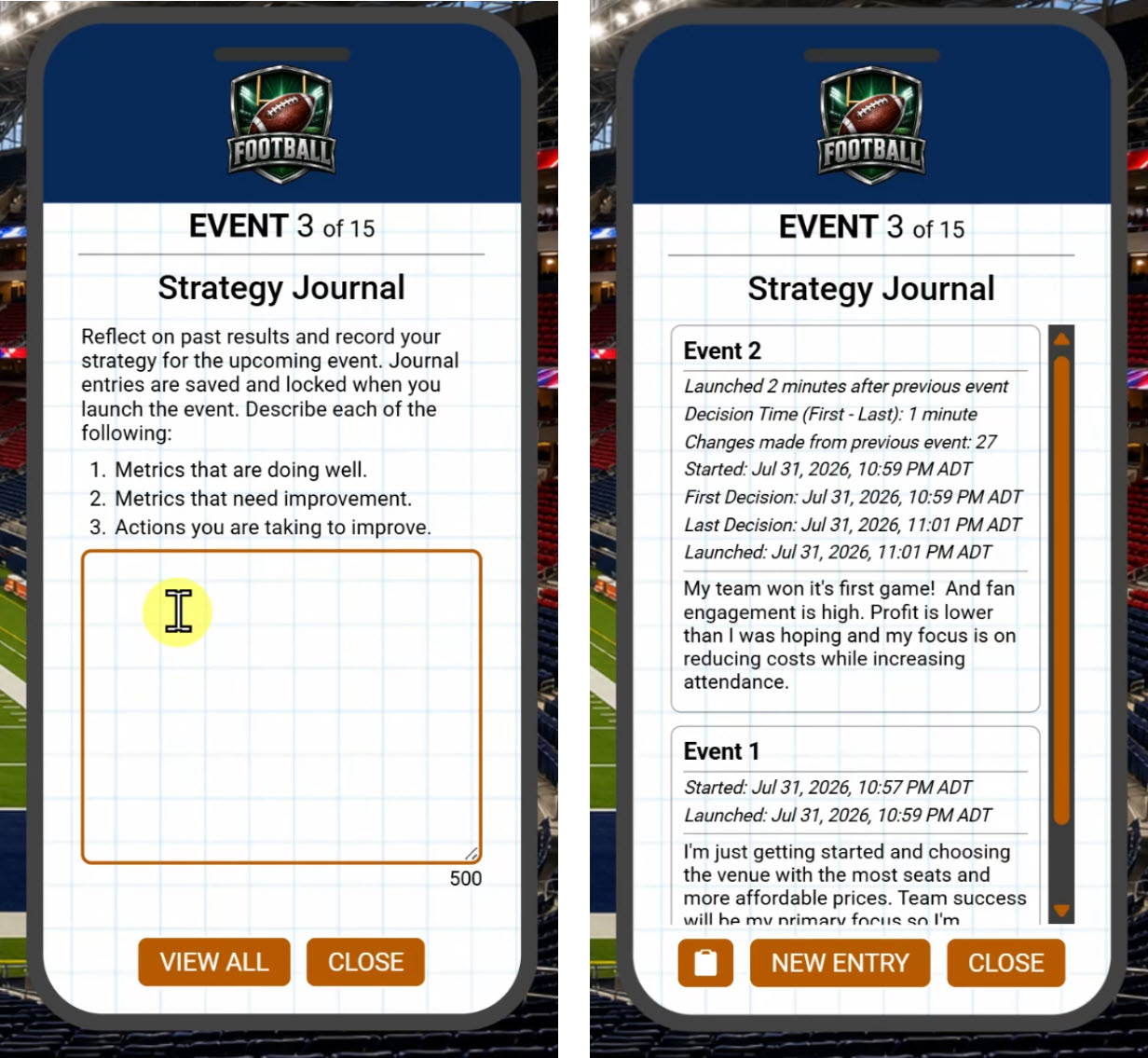
The Strategy Journal is a structured reflection activity that helps develop critical thinking and decision-making skills. The Strategy Journal is an optional feature integrated into the simulation. Instructors should inform students if completing the journal is required.
Before each event, the Strategy Journal prompts students to review previous results, identify strengths and areas for improvement, and record the actions they plan to take. Each event entry is limited to 500 characters of text (approximately 80 words).
By documenting strategic thinking throughout the simulation, students learn to evaluate performance, make evidence-based decisions, and continuously improve management skills.
Because students must explain their reasoning throughout the simulation, the Strategy Journal encourages authentic learning and reduces reliance on AI-generated responses. Past journal entries cannot be edited, providing evidence of original work, while timestamps document the time spent making decisions.
See section 4 for assessment recommendations.
2.7 Student Experience Report
Students prepare written, live, or video presentations or reports on their experience playing the simulation and business decisions and strategy. This encourages students to reflect on their simulation experience and what they learned, and then organize and present their thoughts.
You can assign this activity twice — (1) The first time for students to document their experience with the sport they managed in the simulation; (2) The second time for a sport or organization of their own choosing, which they have to research.
A report template is available in Google Slides, which you can download, edit, and send to students (using your school LMS or other method).
Click here to view the template (do not share this link with students).
2.8 Microlearning
The Microlearning feature included in GoVenture Entrepreneur is also available in Sports & Entertainment Management. The business content is the same.
See the Instructor Guide for GoVenture Entrepreneur for more details (if you have access to this product).