3. Learning Resources
3.1 Gamified Ebook & Simulations
The program includes three modules. Instructors can assign any module individually or combine them in any sequence at any time:
Health & Wellness Gamified Ebook
Explore 288 health and wellness topics in a beautiful photobook with an interactive body designer and hundreds of mini-games and quizzes.Medical Clinic Simulation
Practice patient intake, triage, communication, and clinical support skills in a realistic medical clinic environment.Medical Coding & Billing Simulation
Process patient cases from documentation through coding, billing, claim submission, and claim resolution.
Module details are in section 6 and at GoVentureHealth.com
Students can play once an instructor gives them a Group number to join. Instructors can use the Play As Student feature to play as a student — but you must first create a Group to play.
3.2 Instructor Guide and Website
This document you are reading now and an Instructor Dashboard (website) for monitoring student progress and performance.
3.3 User Guide
A guide for students that can be accessed from the Dashboard — User Guide
3.4 Demo & Tutorial Video
Video to watch before playing — available in the User Guide
3.5 Photobook
You must be logged in to view the PDF
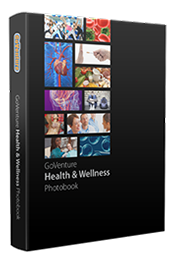
GoVenture Health Photobook includes all of the main content found in the Ebook. The 400-page PDF serves as a useful reference that is keyword searchable. A version of the book compatible with Adobe PDF Read out loud for full accessibility is available upon request.
Students do not have access to the Photobook unless instructors share it with them.